

An EQ you can hear
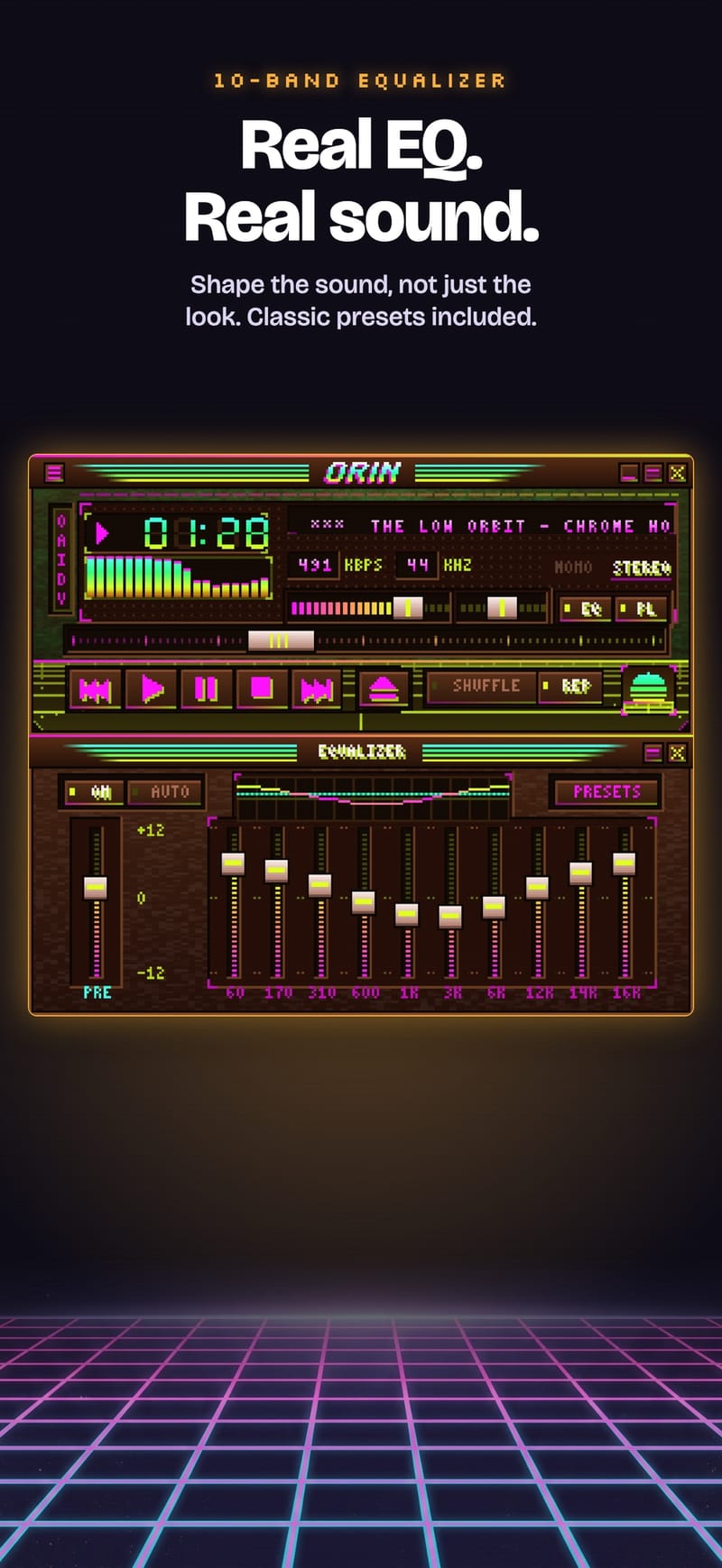
Ten bands and a preamp that change the sound, not just the sliders. Presets included.
Orin plays your MP3, FLAC and M4A files inside the classic .wsz skins of the 2000s desktop era — pixel for pixel, with a real equalizer and a live visualizer. iPhone, iPad, Mac and Android.
Free download · Imported skins free for 14 days, then $6.99 once (US)

▶ Press play. That's the real skin from the app.
(stays on your device)
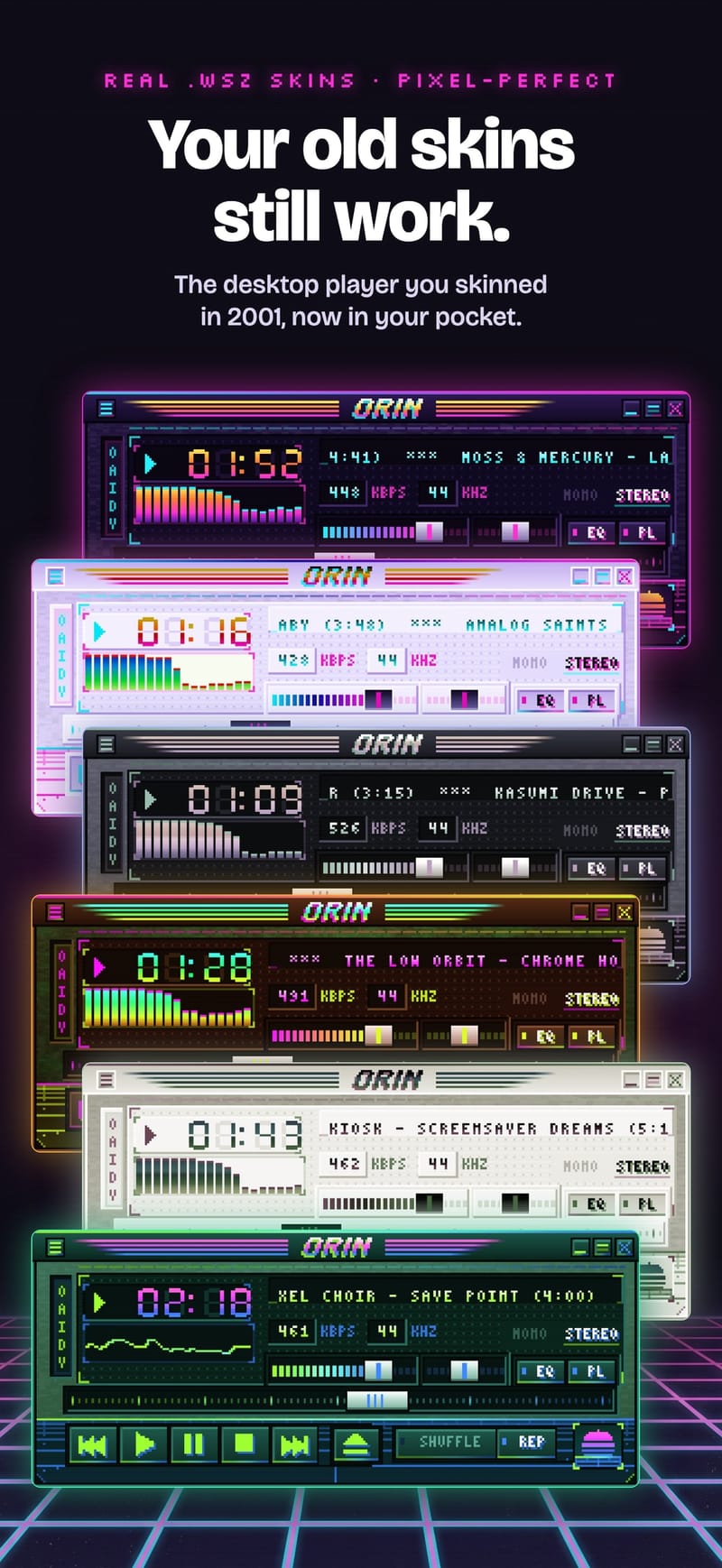
Orin draws classic .wsz skins exactly as their artists made them: every bitmap, every font, every visualizer color. Import one from Files or a download link and it's on your phone in seconds. Orin's own neon skin is free forever.
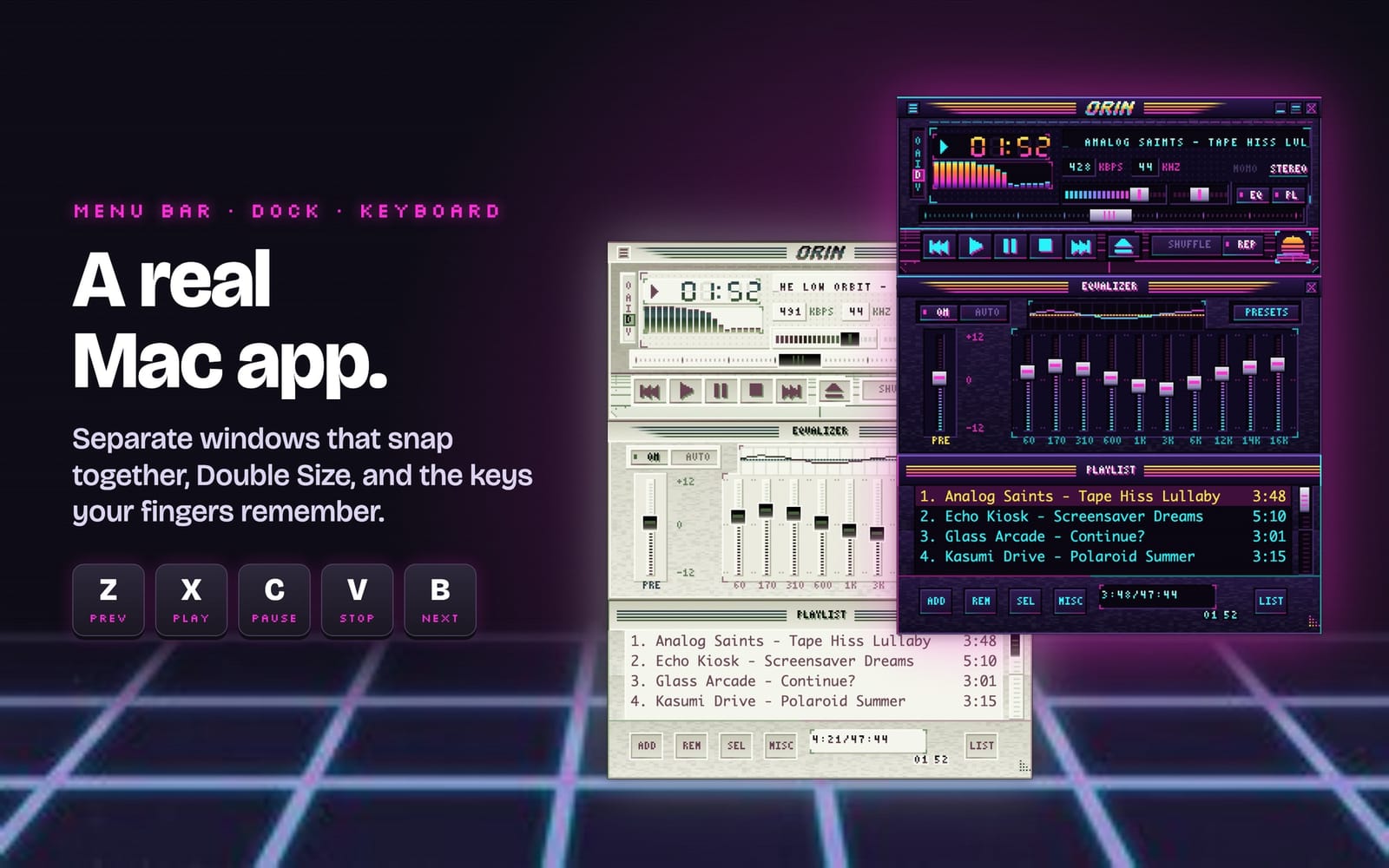
Also on Mac, with the same purchase.
Ten bands and a preamp that change the sound, not just the sliders. Presets included.
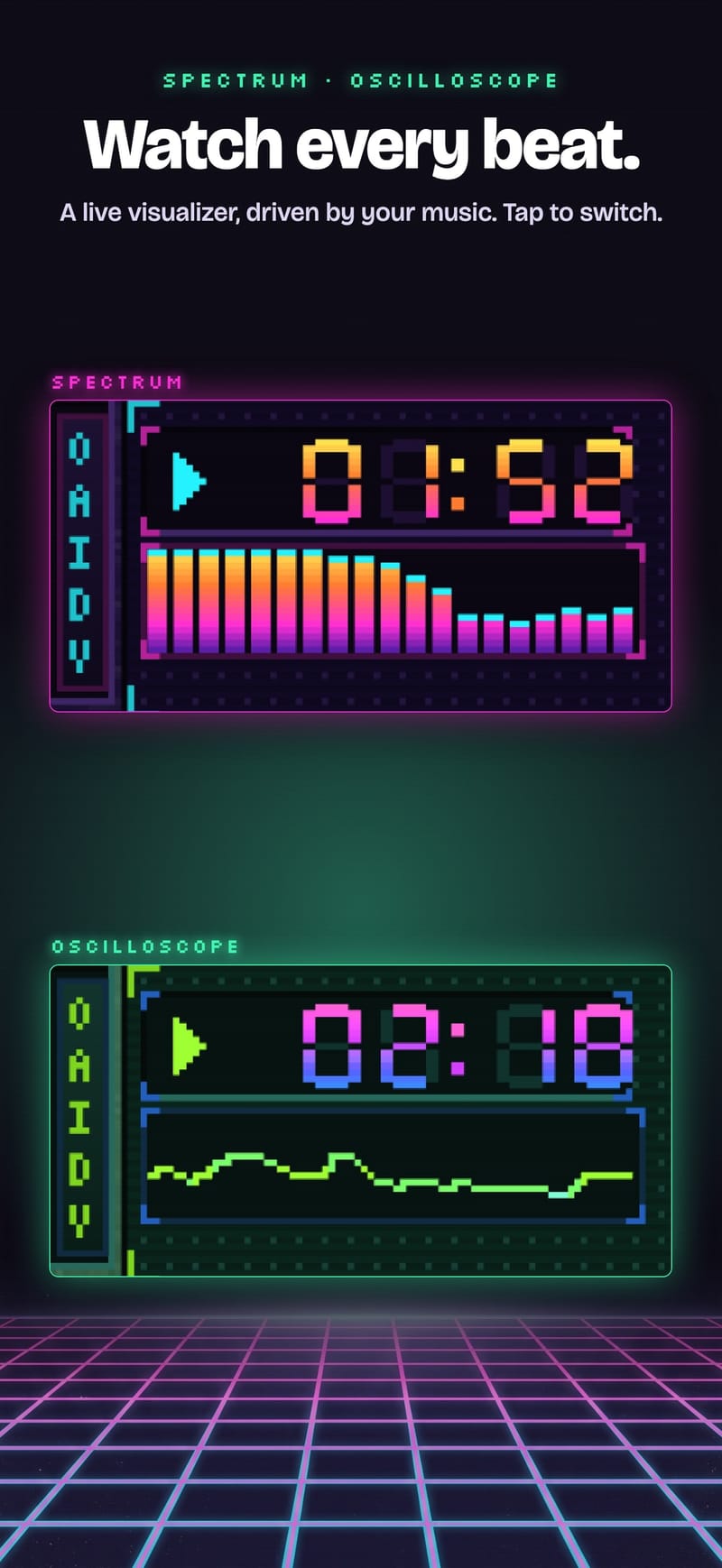
A live spectrum analyzer and oscilloscope, drawn from the actual audio in the skin's own colors.
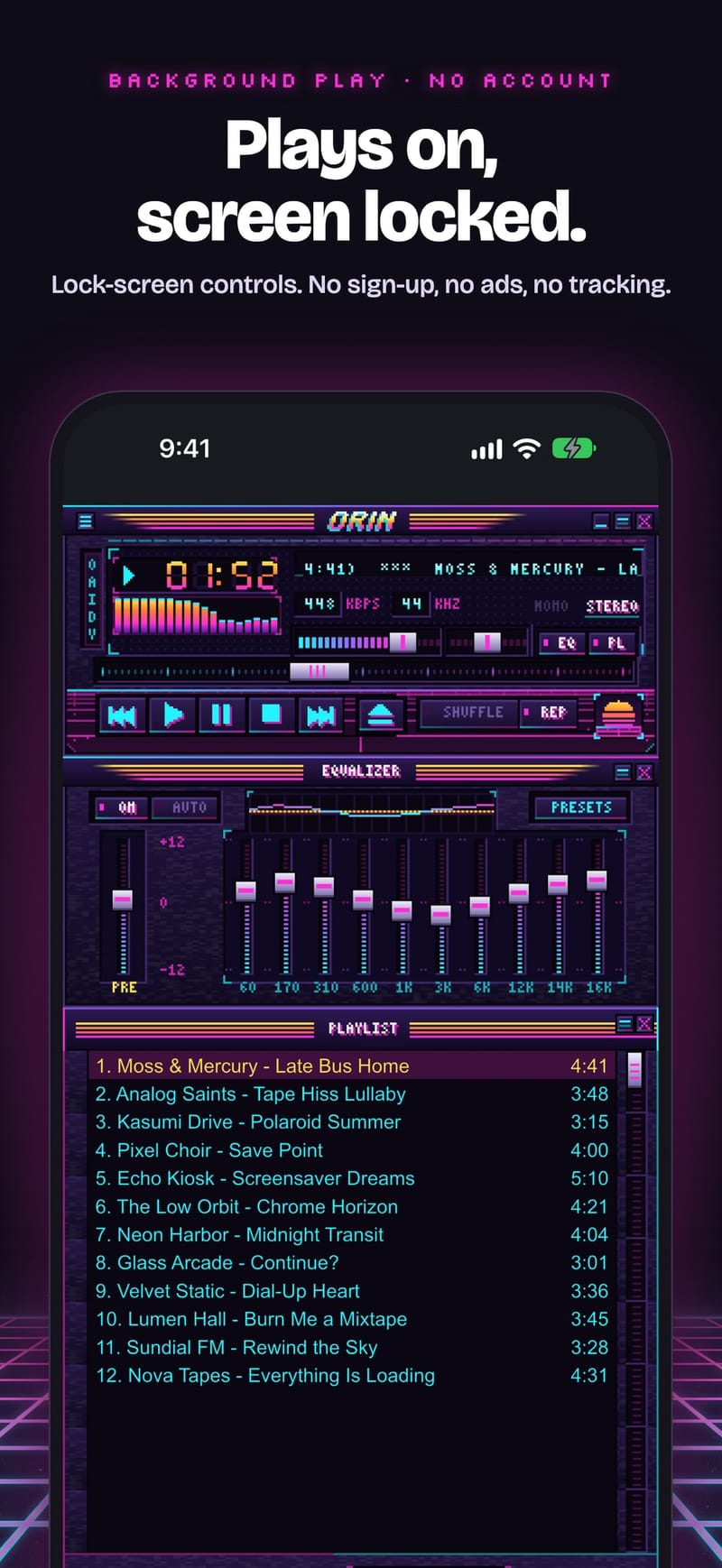
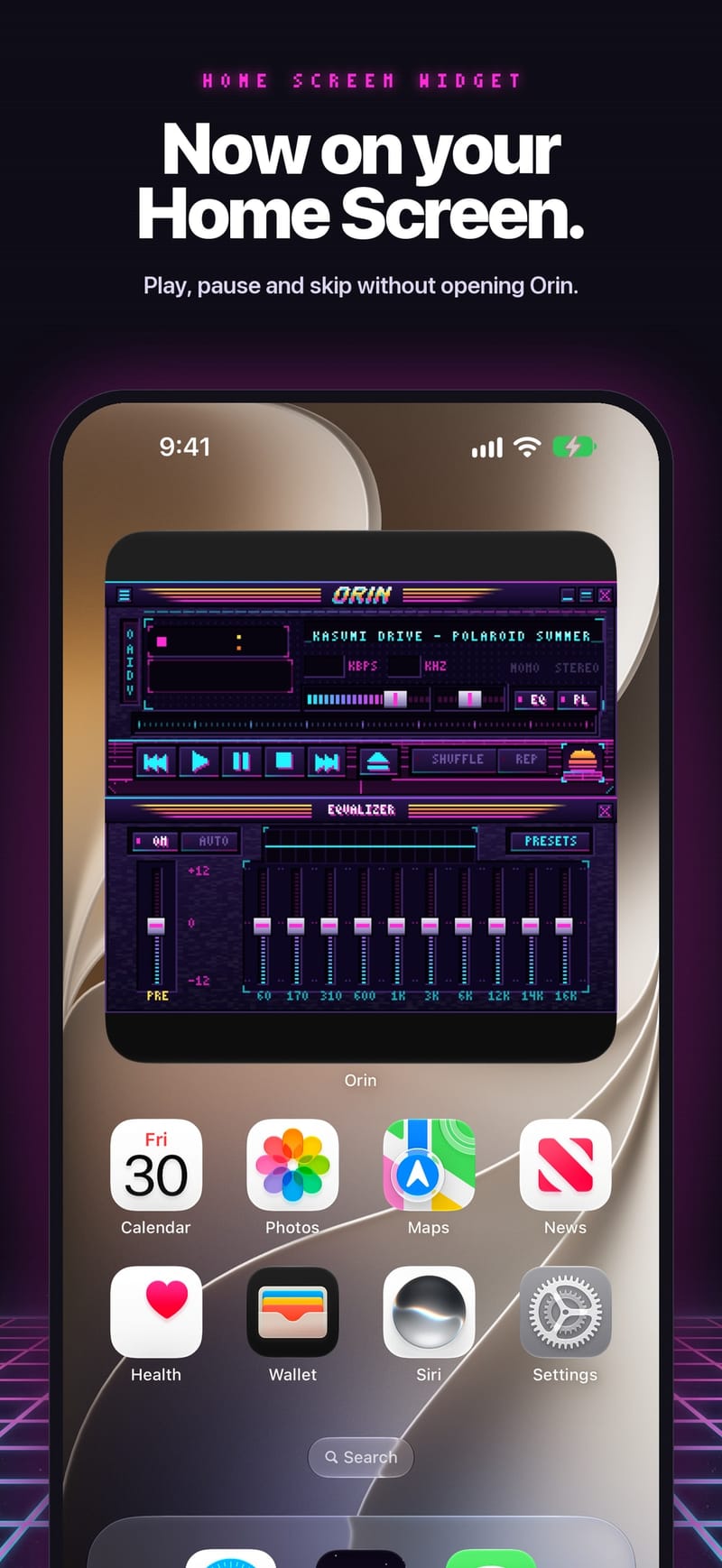
Background playback, lock-screen controls, headphone buttons and a home-screen widget.
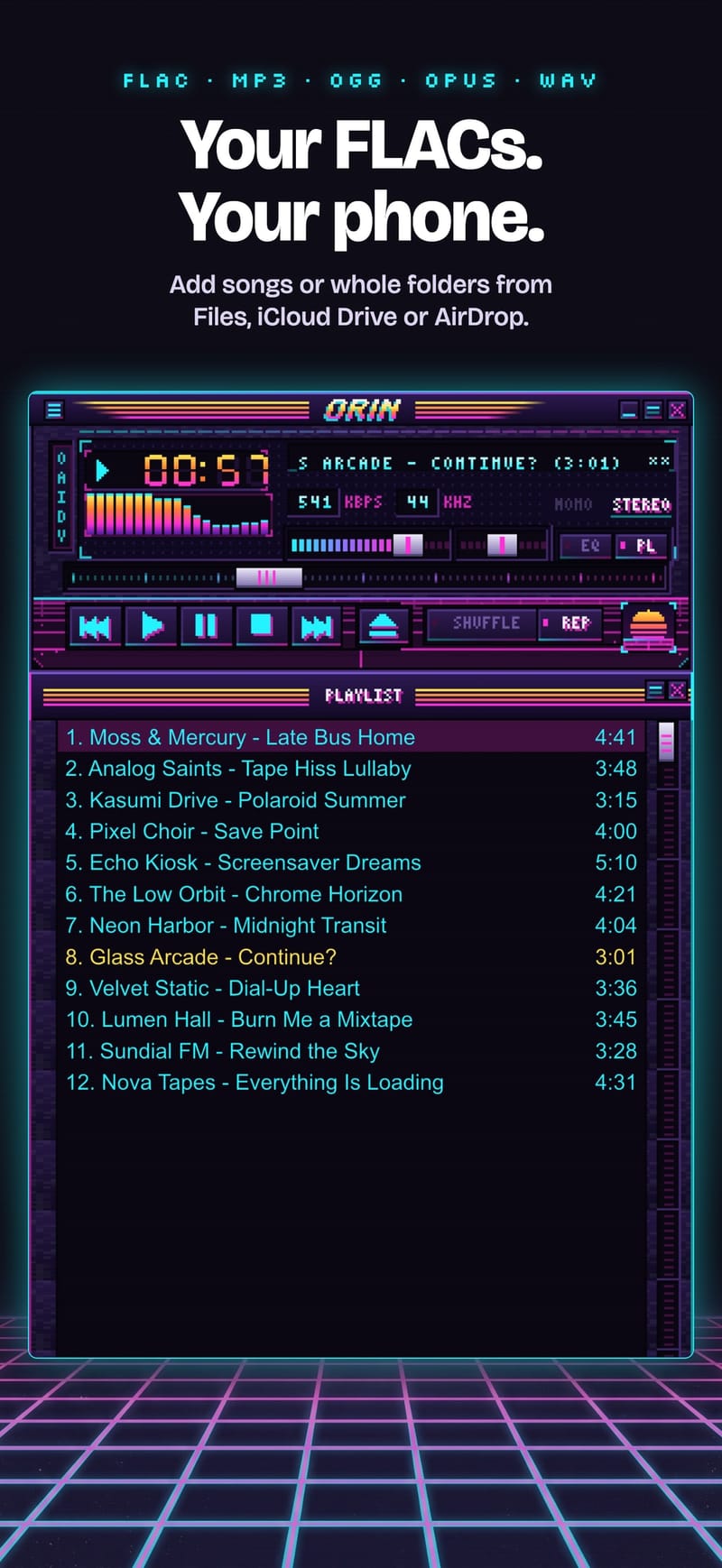
MP3, M4A/AAC, FLAC, OGG, Opus and WAV. Open them from Files, iCloud Drive, a USB stick or your Downloads folder. Playlists, shuffle and repeat. No streaming service, no library lock-in.
No subscription. Your music never locks — after the trial, Orin simply goes back to its own skin.
Price varies by country.
Orin doesn't collect anything: no sign-up, no analytics, no ads. It works in airplane mode. And this website doesn't track you either — no cookies, no analytics. That's why there's no cookie banner.
Yes. The download, the player, the EQ, the visualizer and Orin's own skin are free forever. Skins you import are free for 14 days; after that, a one-time $6.99 unlock keeps them. There's no subscription.
MP3, M4A/AAC, FLAC, OGG, Opus and WAV files that you own. It doesn't stream from Spotify, Apple Music or other services, and it can't play DRM-protected files.
Thousands of classic .wsz skins from the 2000s are free to download from skin archives online. Open a .wsz file from Files, Safari or your Downloads and choose Orin, or import it from the Skins menu.
Your imported skins stay on your device but lock, and Orin switches back to its own skin. All your music and playlists keep working. Unlock once, for $6.99, to use every skin you've imported, forever.
Yes. One purchase on the App Store covers iPhone, iPad and Mac. On Android, it's a separate purchase through Google Play.
Completely. Orin plays files stored on your device and never needs a connection.
None. No account, no analytics, no advertising identifiers. Your files and skins never leave your device.
Yes: a home-screen widget, lock-screen and Control Center controls, and headphone buttons all work.
Yes. Any skin made with the classic .wsz format works, including your own.
Free on iPhone, iPad, Mac and Android.
Scan with your phone to get Orin from the right store.